
Ecommerce Analytics
Ecommerce analytics that speak in revenue, not pageviews
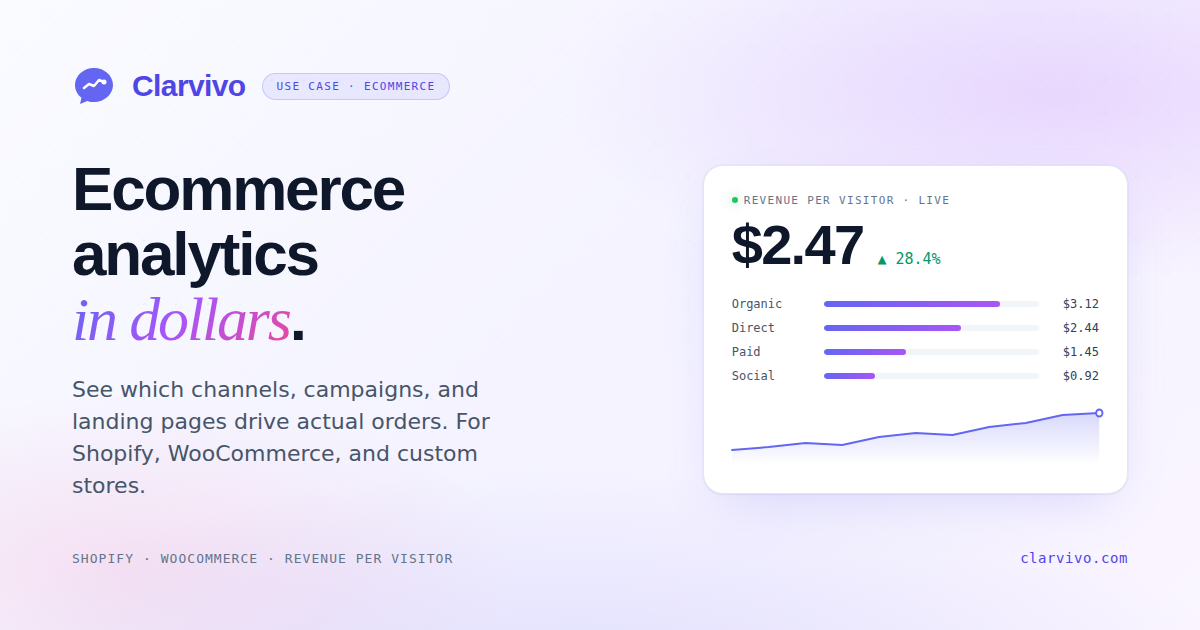
See which campaigns, channels, and landing pages drive actual orders. Built for Shopify, WooCommerce, and custom stores.
No card required. Cancel anytime.
Why ecommerce teams outgrow Google Analytics
- GA4's enhanced e-commerce setup takes hours and breaks quietly when Shopify updates its checkout.
- Revenue data lives four clicks deep, so it is easy for teams to stop checking it weekly.
- Consent banners can add friction before a visitor reaches a product page.
- You can't answer basic questions like "did Facebook Ads pay off last week?" without a custom report.
- Sampled reports make revenue reconciliation harder at high event volumes.
The Clarvivo view
How Clarvivo solves it
01. One-script install on Shopify, WooCommerce, or custom
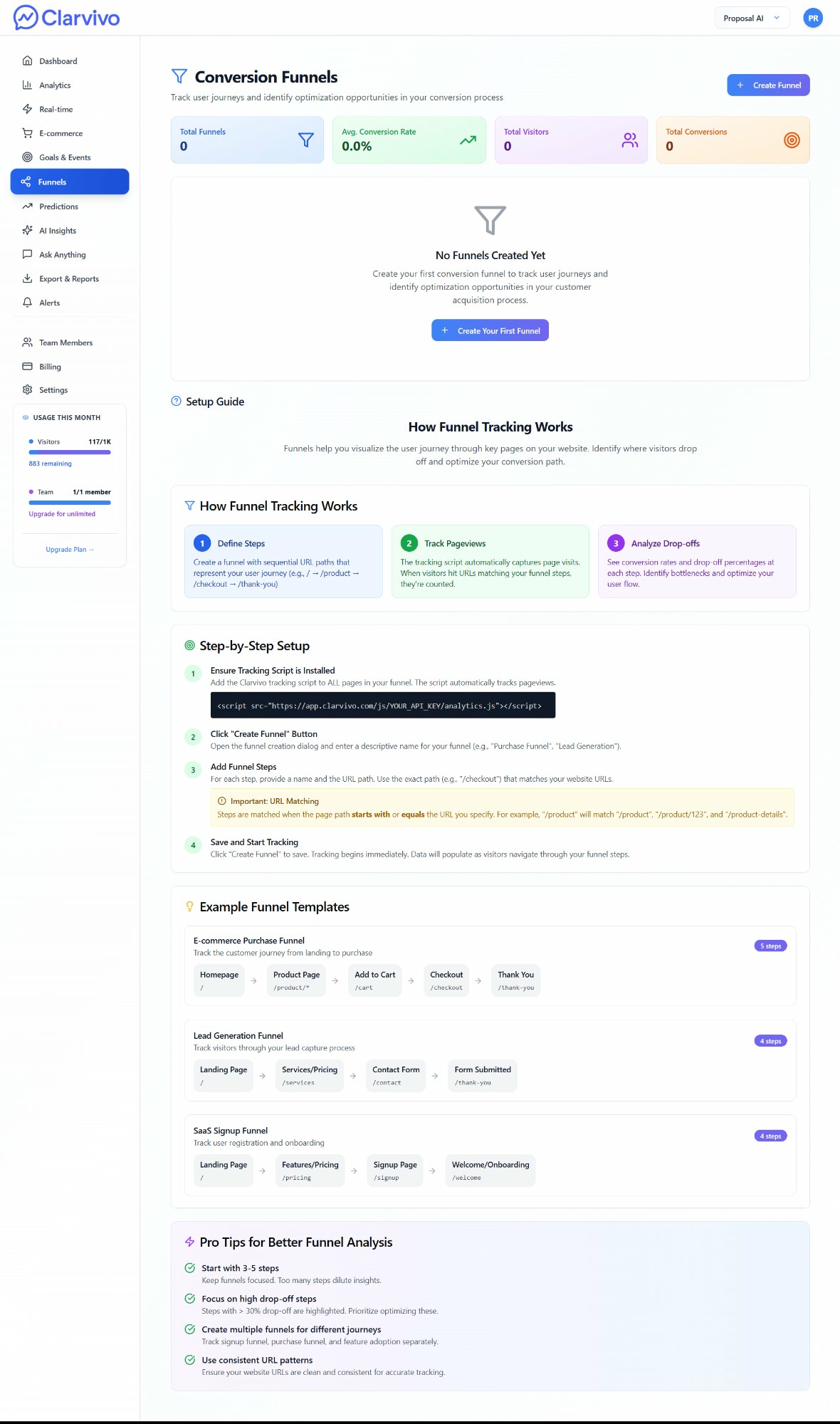
Add the Clarvivo Web Pixel to Shopify, install the WordPress plugin for WooCommerce, or use the browser script on a custom store. Product and order events then flow into Clarvivo without GTM or custom dimensions.
02. Revenue Per Visitor as the headline metric
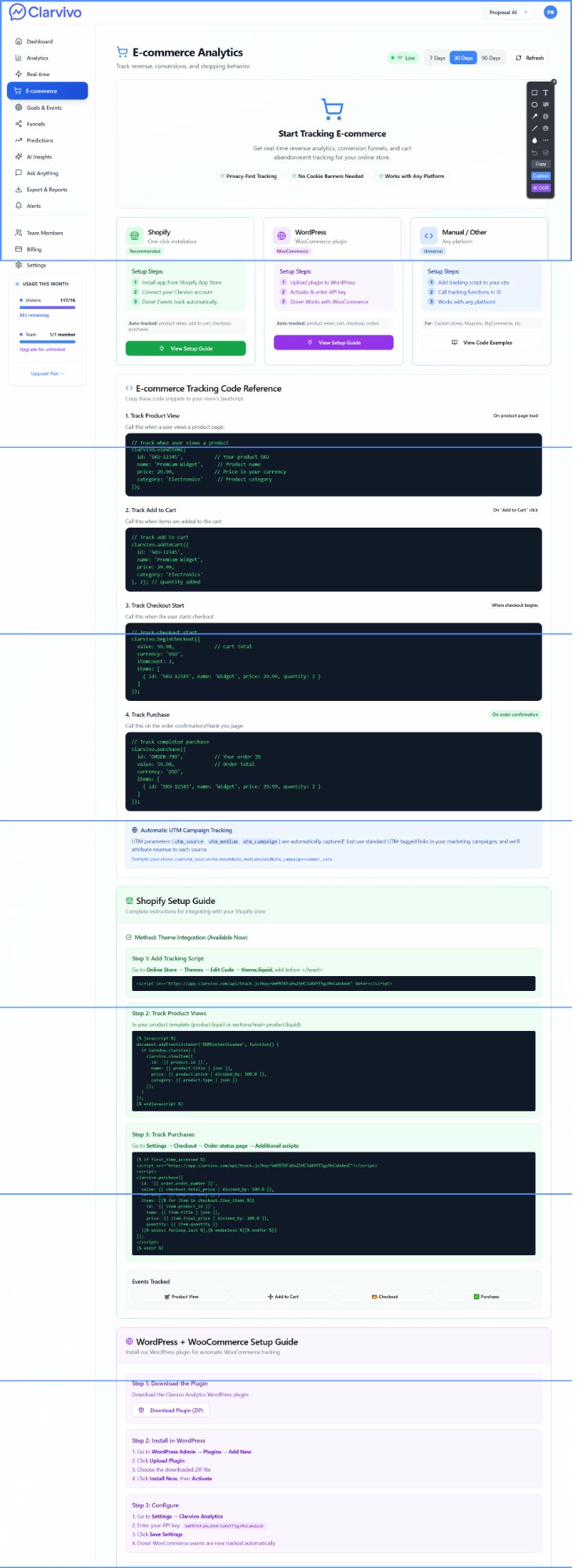
Once revenue events carry traffic attribution, RPV appears in the dashboard and source views. E-commerce reports also break purchases down by campaign, landing page, and product; traffic reports keep device performance alongside those results.
03. Full channel → order attribution
Orders sent with Clarvivo session or UTM context can be grouped by the source and campaign that generated them. Google Search Console performance stays available alongside revenue attribution, without pretending a search query caused a specific order.
04. Multi-step conversion funnels
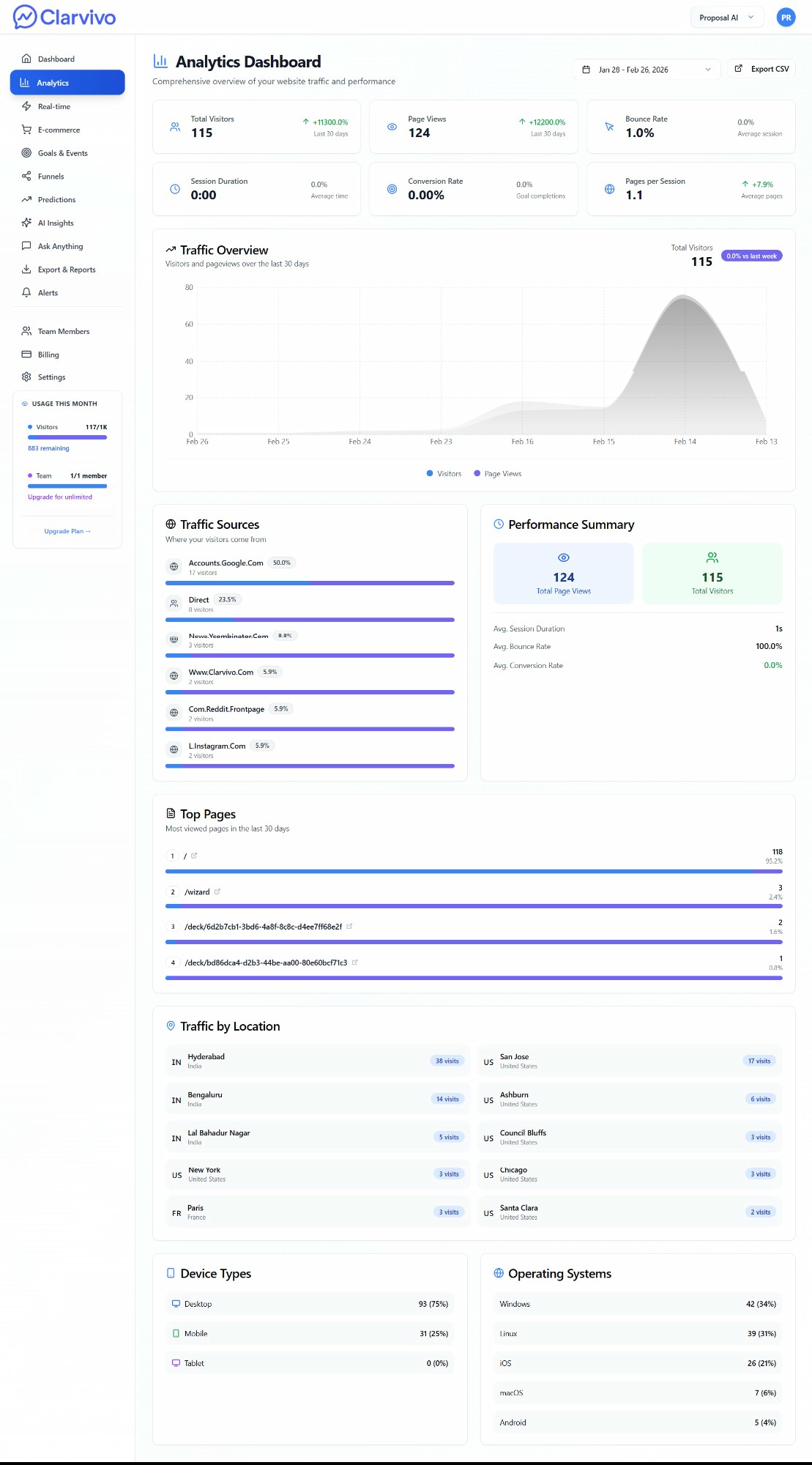
Map the journey from landing page → product view → add to cart → checkout → purchase. See exactly where drop-off happens. Optimize the step that's costing you the most revenue.
05. Real-time orders stream
Watch current visitors, pages, custom events, and the day's revenue totals in the real-time workspace. Use the Revenue workspace for completed-order and product detail.
Get moving
From script install to first order tracked
Live in under an hour. First meaningful data in 24–48 hours.
- 1
Install the tracking script
Shopify: add the Clarvivo Web Pixel. WooCommerce: install the plugin ZIP. Custom store: add the script to your site header.
- 2
Connect your payment gateway
Configure the Shopify or WooCommerce integration, or add a signed webhook for a supported payment provider. Clarvivo starts recording new events after the connection is live.
- 3
Watch Revenue Per Visitor populate
RPV appears after Clarvivo receives both traffic and attributed revenue. Payment integrations do not import a general historical order archive.
Recommended for ecommerce analytics
Starter — From $9/mo for 25K events
3 projects, 3 seats, 3-year data retention, the 7-day Traffic Forecast, and Ask Anything — a fit for focused DTC teams. Billable events are pageviews + payments + goal conversions; micro-events are not billed.
Frequently asked questions
Does Clarvivo work with Shopify?
Yes. Add the Clarvivo Web Pixel from the Integrations guide and use the Shopify connection for order revenue. There is no Shopify App Store listing yet, so setup is manual rather than one-click.
Does Clarvivo work with WooCommerce?
Yes. Download the Clarvivo WordPress plugin (ZIP), upload it in the WordPress admin, activate, and paste your API key. Orders are tracked automatically. The plugin is not on the official WordPress.org marketplace yet — it's distributed directly.
What if I use BigCommerce, Magento, or a custom platform?
Any platform works — you install the base tracking script manually and call `clarvivo.purchase()` on your order confirmation page with the order details. We publish code examples for common platforms in the setup guide.
How does Clarvivo handle refunds and cancellations?
Supported payment webhooks record refunds as negative revenue after the provider sends the refund event. A browser-only WooCommerce or Shopify purchase event is not automatically reversed when an order is later cancelled; send a corresponding negative revenue event through a supported provider or the Revenue API.
Do I need to disable Google Analytics?
No — most teams run both in parallel for 30–60 days to validate data, then turn off GA4 for day-to-day use while keeping the historical account accessible.
How does Clarvivo affect my GDPR and CCPA position for EU customers?
Clarvivo sets no cookies, stores no raw IP addresses, does no fingerprinting, and never tracks visitors across other sites — so there is much less to disclose than with an ad-funded analytics tool. It does keep a random first-party visitor ID in the browser's localStorage, which is why we do not tell you a banner is unnecessary: consent rules cover storing information on a device, not cookies specifically, and the answer varies by jurisdiction and by what you use the data for. Our privacy policy lists exactly what is stored so your counsel can make that call quickly.
See how Clarvivo compares
Built for the way founders work now
Connect Clarvivo. Ask better growth questions.
Start your 14-day trial with no card, connect the MCP setup, and ask your coding agent about traffic, conversions, and payments in plain English. Starter is $9/month when you stay.