
Marketing Attribution
See which growth work turns into customers
Follow the path from search query or campaign to landing page, conversion, and recorded payment. When attribution context exists, Clarvivo keeps it connected; when it does not, the payment stays Direct.
No card required. Cancel anytime.
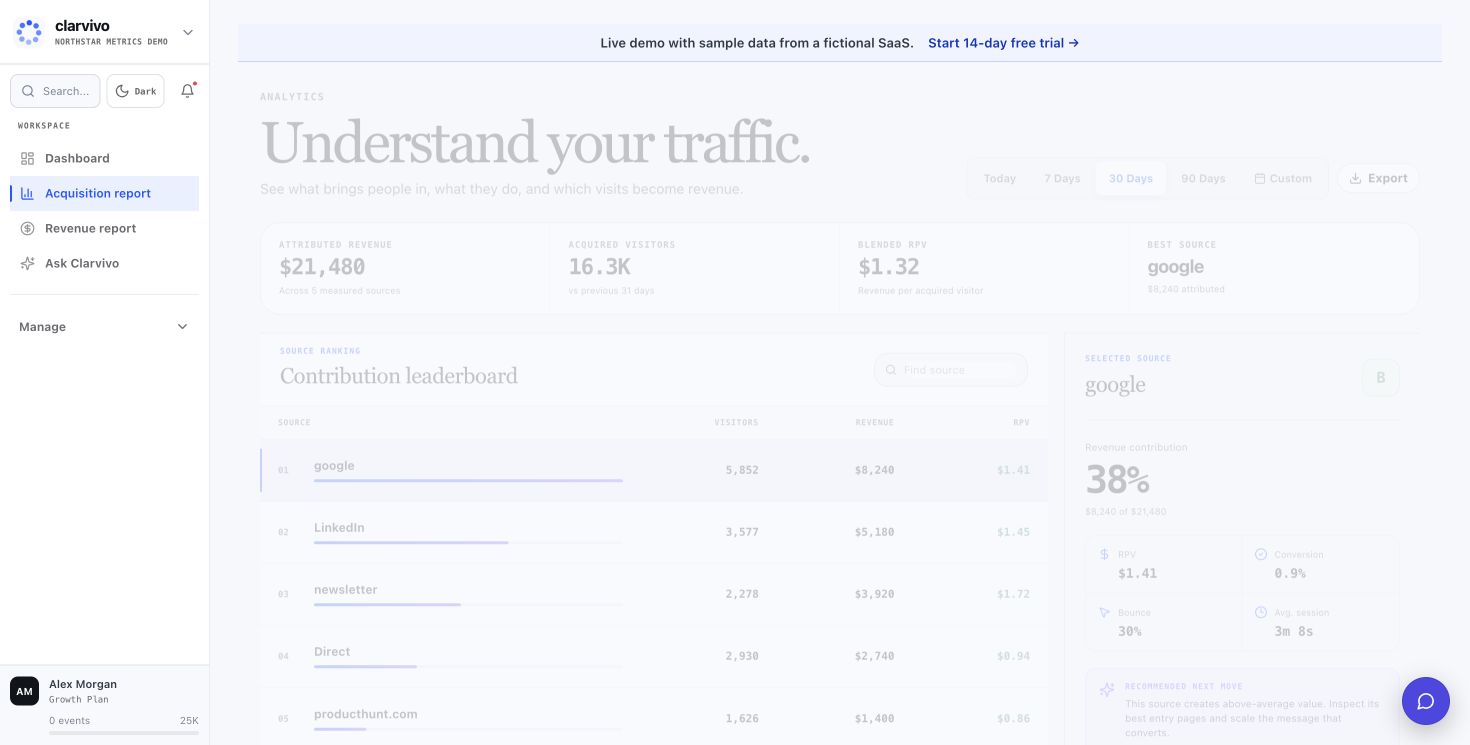
Make acquisition decisions with the full path in view
- Which sources bring visitors who go on to sign up, request a demo, or buy?
- Which landing pages attract attention but fail to move people forward?
- Which recorded payments carry trustworthy source or campaign context?
- What is organic search contributing before and after the click?
- Can your agent answer the follow-up without another spreadsheet export?
The Clarvivo view
How Clarvivo solves it
01. Keep campaign context with the visit
Clarvivo captures standard UTM parameters with the session. Carry the same visitor, session, or campaign identifiers into the payment when you want recorded revenue grouped by that source.
02. Treat unattributed revenue honestly
Payment-provider webhooks and the signed Revenue API record payments. Clarvivo only attributes them when the payment carries matching context; everything else remains Direct rather than receiving a guessed source.
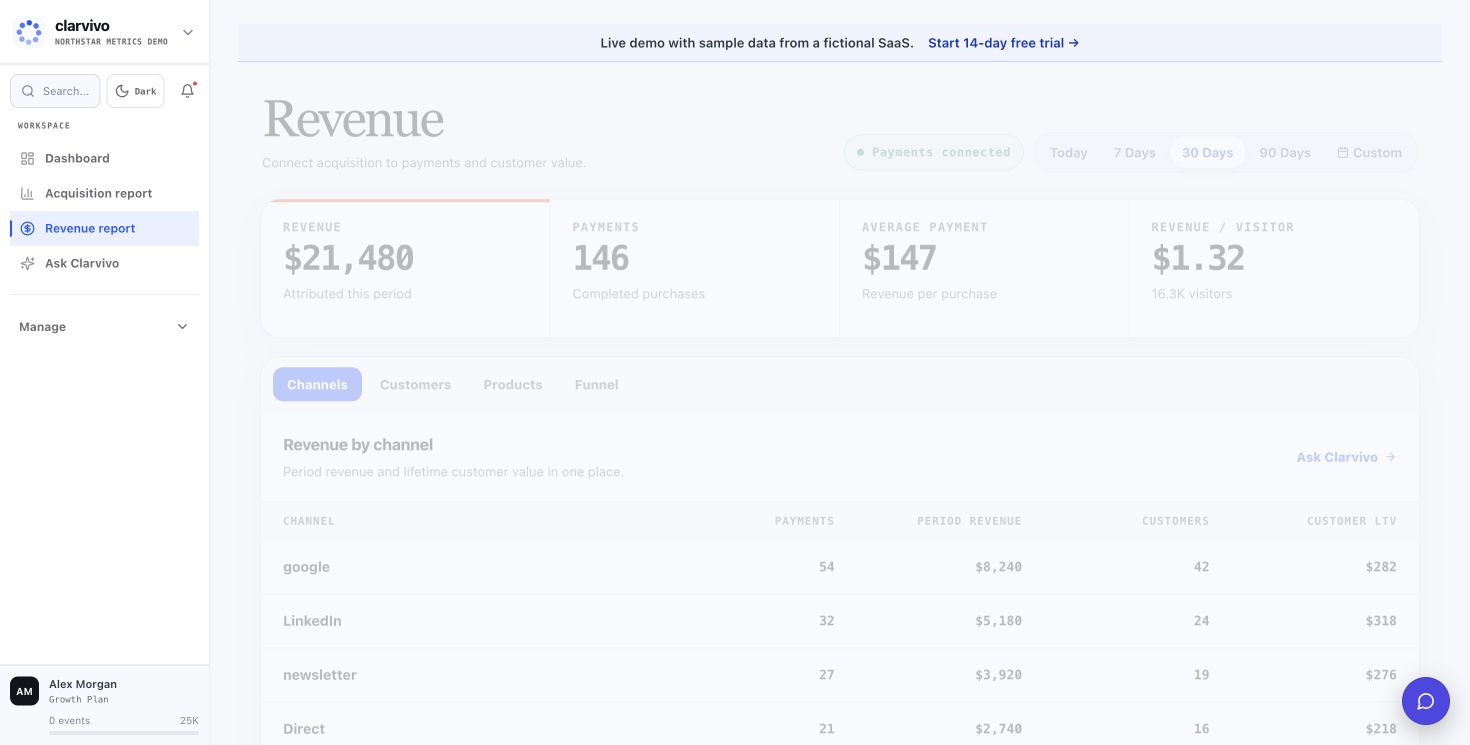
03. Compare sources by outcomes, not clicks alone
See traffic, goal conversions, and attributed recorded revenue by source and campaign. Use the same view to find channels that send fewer visitors but stronger outcomes.
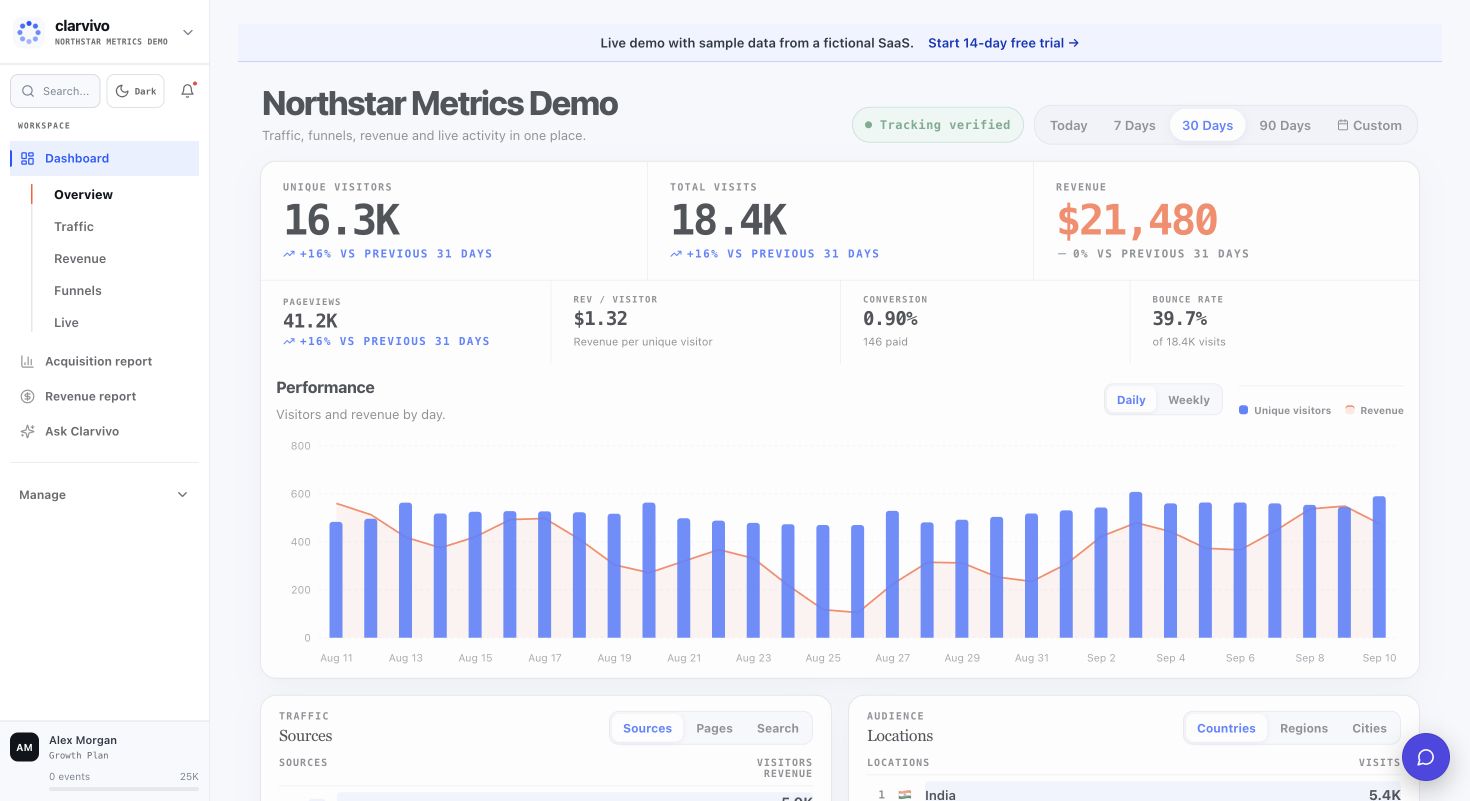
04. Put Search Console beside the rest of growth
Connect Search Console to see query clicks, impressions, CTR, position, page performance, and trends alongside your revenue dashboard. Clarvivo does not claim query-level revenue attribution.
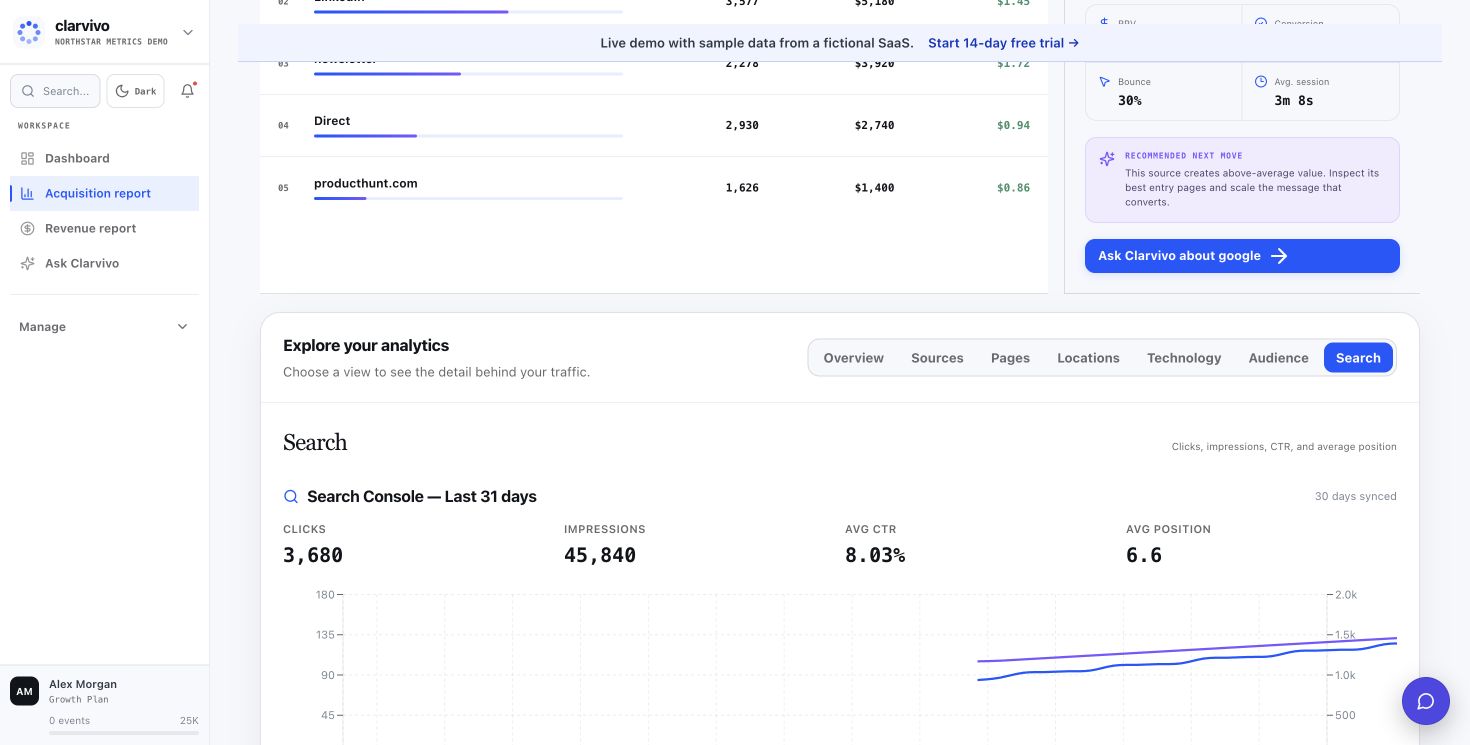
05. Ask your coding agent what changed
Use Clarvivo MCP with Claude Code, Codex, Cursor, Windsurf, or another MCP client. Ask about sources, landing pages, conversion paths, and recorded revenue without recreating the context in a new tool.
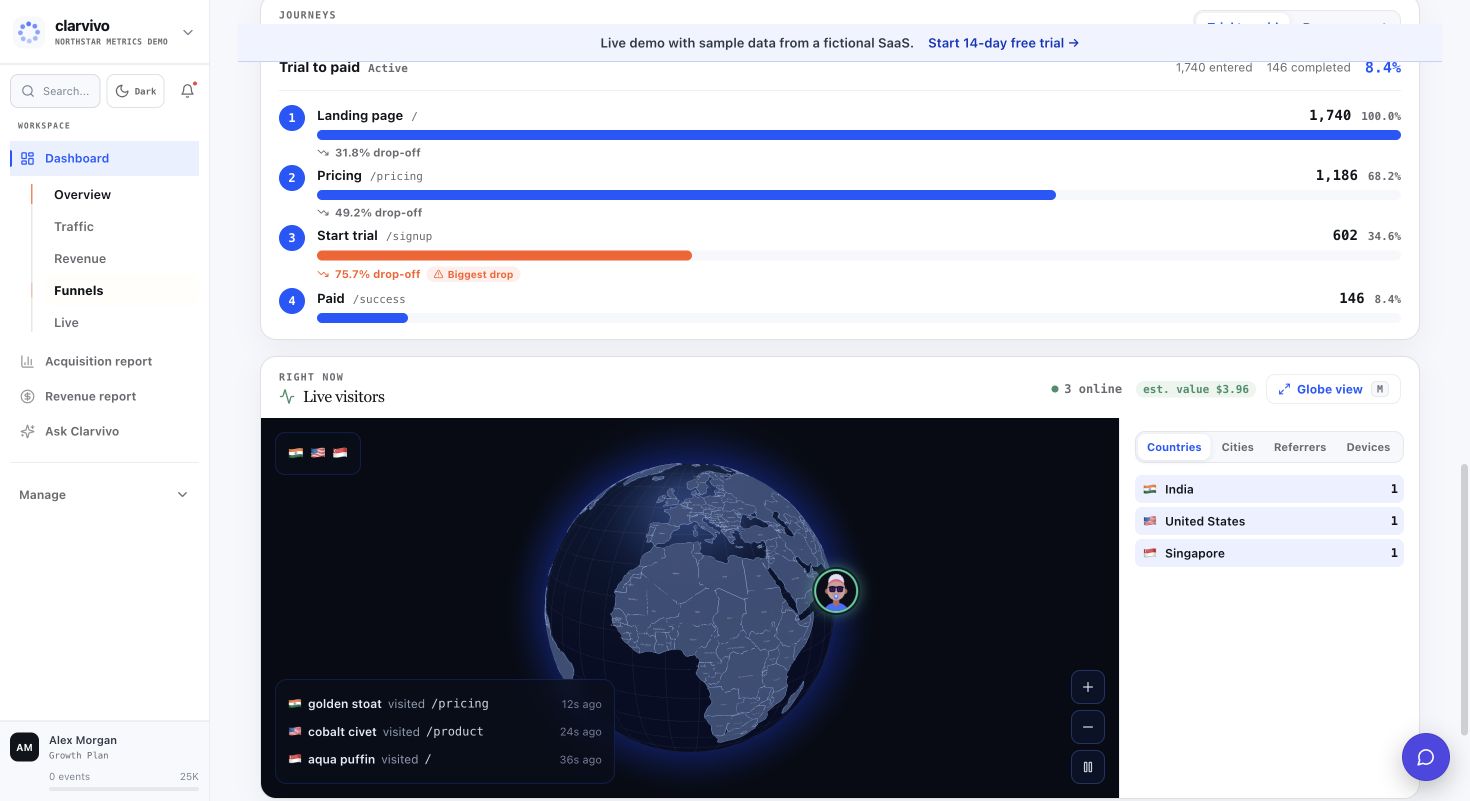
Get moving
Connect the path your customers already take
Start with traffic and campaign context, then add conversions, search, and payments.
- 1
Let your coding agent set up Clarvivo
Connect the Clarvivo MCP and ask your agent to set it up for this project. It detects the stack, guides the tracking implementation, and checks that real traffic arrives.
- 2
Keep campaign links consistent
Use standard utm_source, utm_medium, and utm_campaign parameters. Clarvivo captures them with each inbound session.
- 3
Connect conversions and payments
Track the signup, waitlist, demo, checkout, or purchase events that matter, then connect a supported payment provider or the signed Revenue API.
- 4
Add Google Search Console
Bring in organic queries, clicks, impressions, positions, and page performance. Search reporting sits beside revenue without claiming query-to-payment attribution.
Recommended for marketing attribution
Growth — From $19/mo for 25K events
Growth includes unlimited projects, 10 seats, and 3-year data retention. Billable events are pageviews + payments + goal conversions; micro-events are not billed.
Frequently asked questions
Which attribution model does Clarvivo use?
Browser e-commerce attribution can be queried as last-touch (the default in the API) or first-touch. Revenue API and payment-provider events use the UTM or session context supplied with the payment. Linear multi-touch and configurable attribution windows are not available today.
Can Clarvivo import ad-platform spend?
Not natively today. Clarvivo reports the traffic, conversions, and attributed recorded revenue connected to each UTM campaign; compare that with spend from the ad platform when making budget decisions.
Does this work with affiliate tracking?
Yes. Affiliates use UTM-tagged links; Clarvivo attributes the resulting revenue back to each affiliate partner. You can also call `clarvivo.track('affiliate_referral', { partner_id: 'xyz' })` for custom tracking.
How does Clarvivo handle cross-device journeys?
Clarvivo does not automatically stitch browsers or devices. Each browser keeps its own random visitor ID. If a customer changes device, your server must carry the relevant Clarvivo attribution identifiers into the payment event; otherwise the new device is a separate journey.
Can my coding agent work with attribution data?
Yes. Through Clarvivo MCP, an MCP-compatible coding agent can read traffic, sources, campaigns, conversions, and recorded revenue available to the scoped Clarvivo token.
See how Clarvivo compares
Built for the way founders work now
Connect Clarvivo. Ask better growth questions.
Start your 14-day trial with no card, connect the MCP setup, and ask your coding agent about traffic, conversions, and payments in plain English. Starter is $9/month when you stay.